
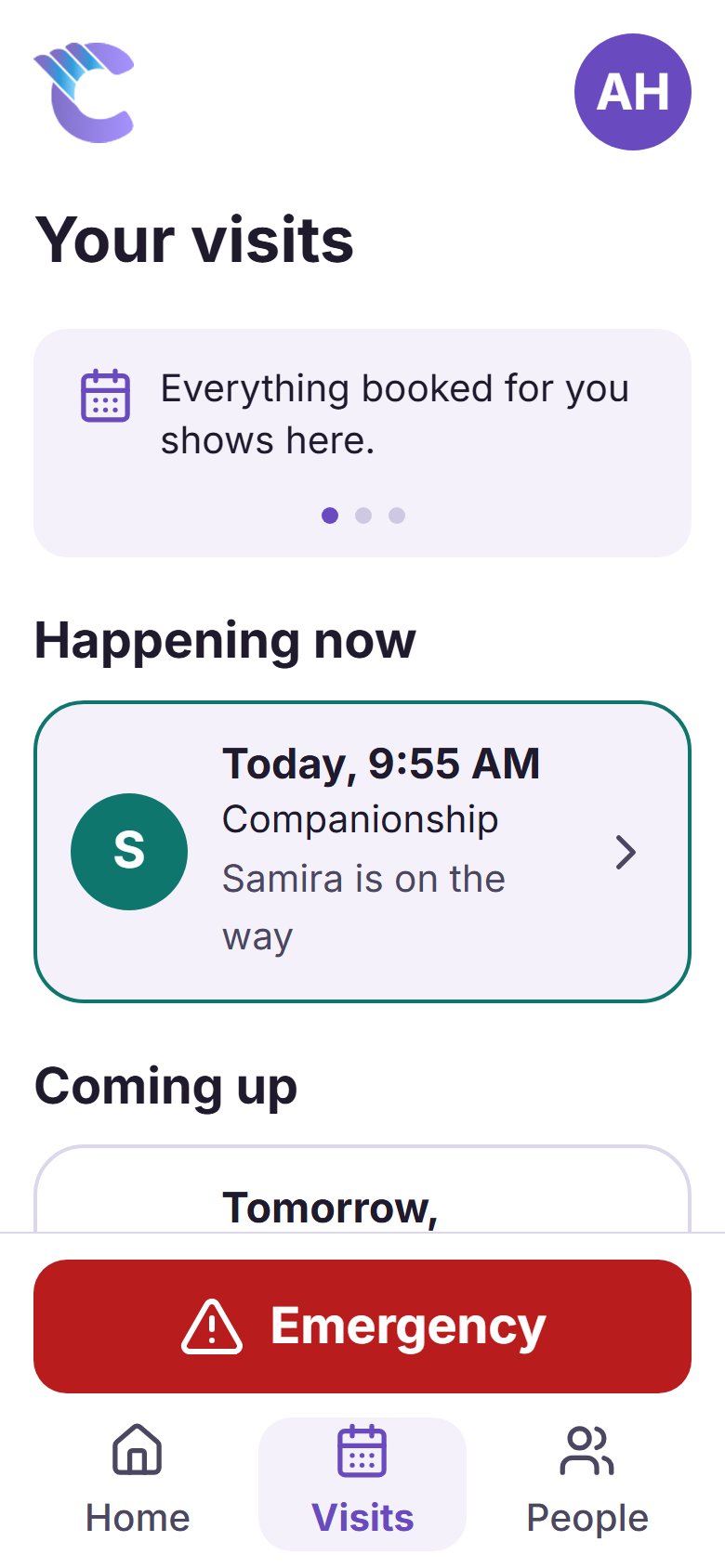
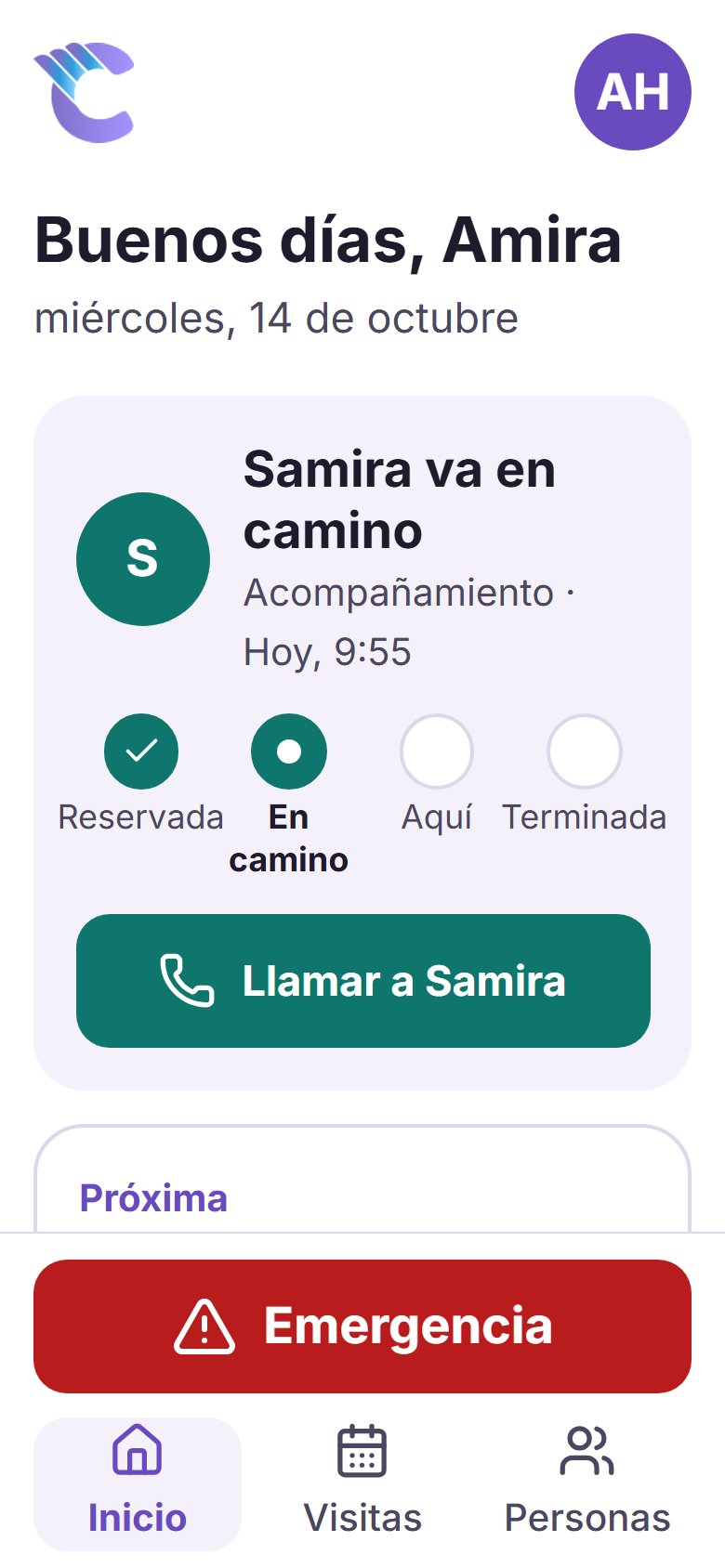
Who is coming today
Their helper's first name, the time, and a live step: on the way, here, done. A Call button while someone is booked.
For your parents and loved ones
Big buttons and large text. They can see who is coming today, ask for help in a few taps, and call family from the People screen. An Emergency button is on every main screen.
Nothing to download from an app store. It opens in the phone's browser and sits on the Home Screen like any other app.
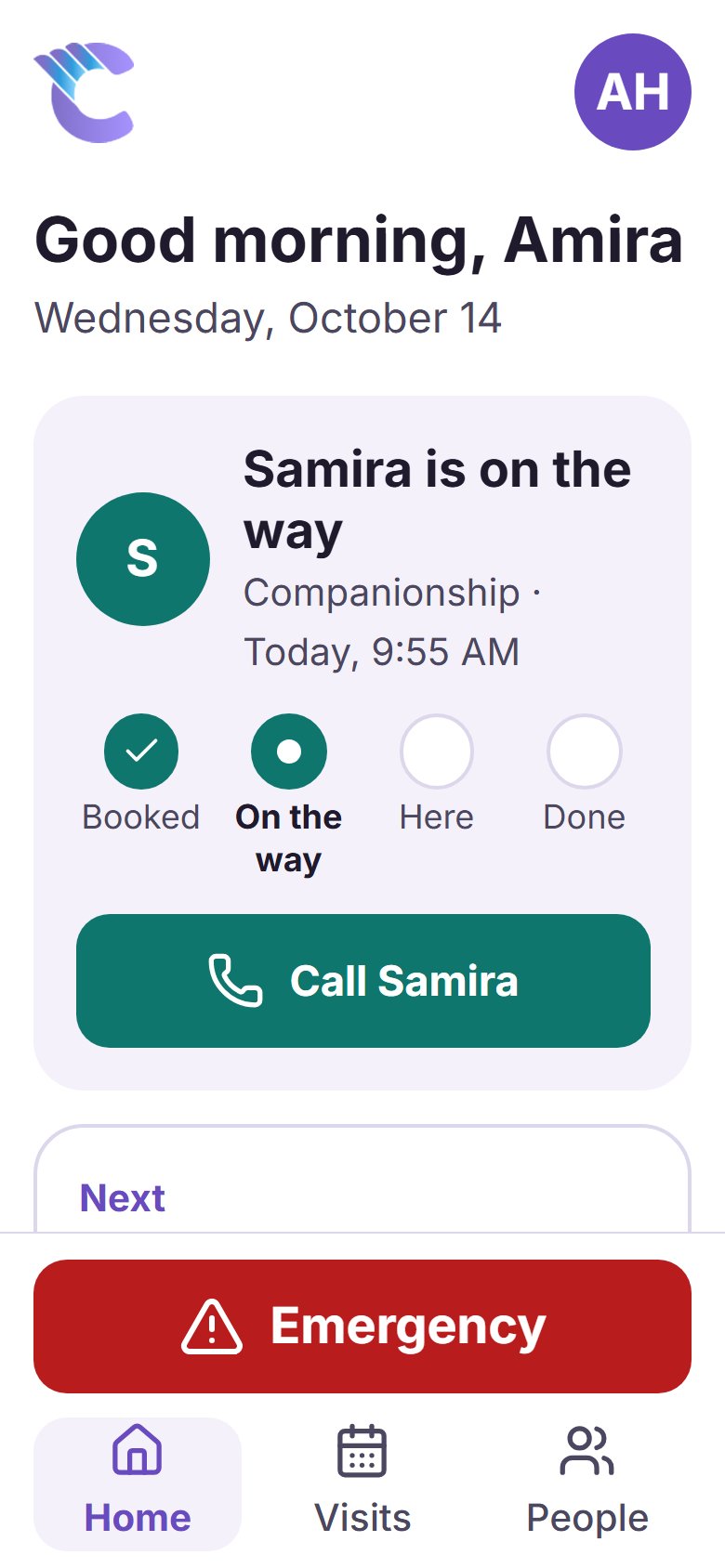
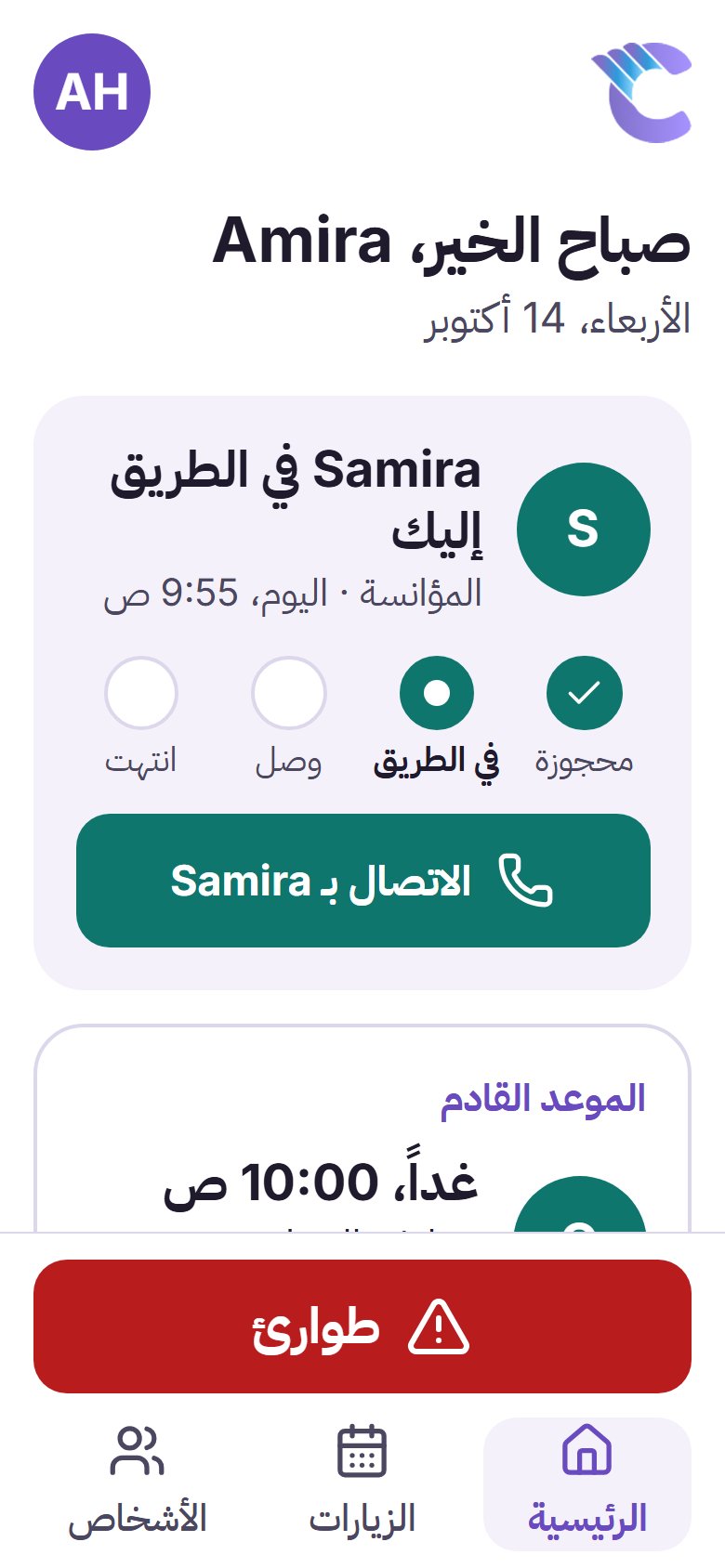
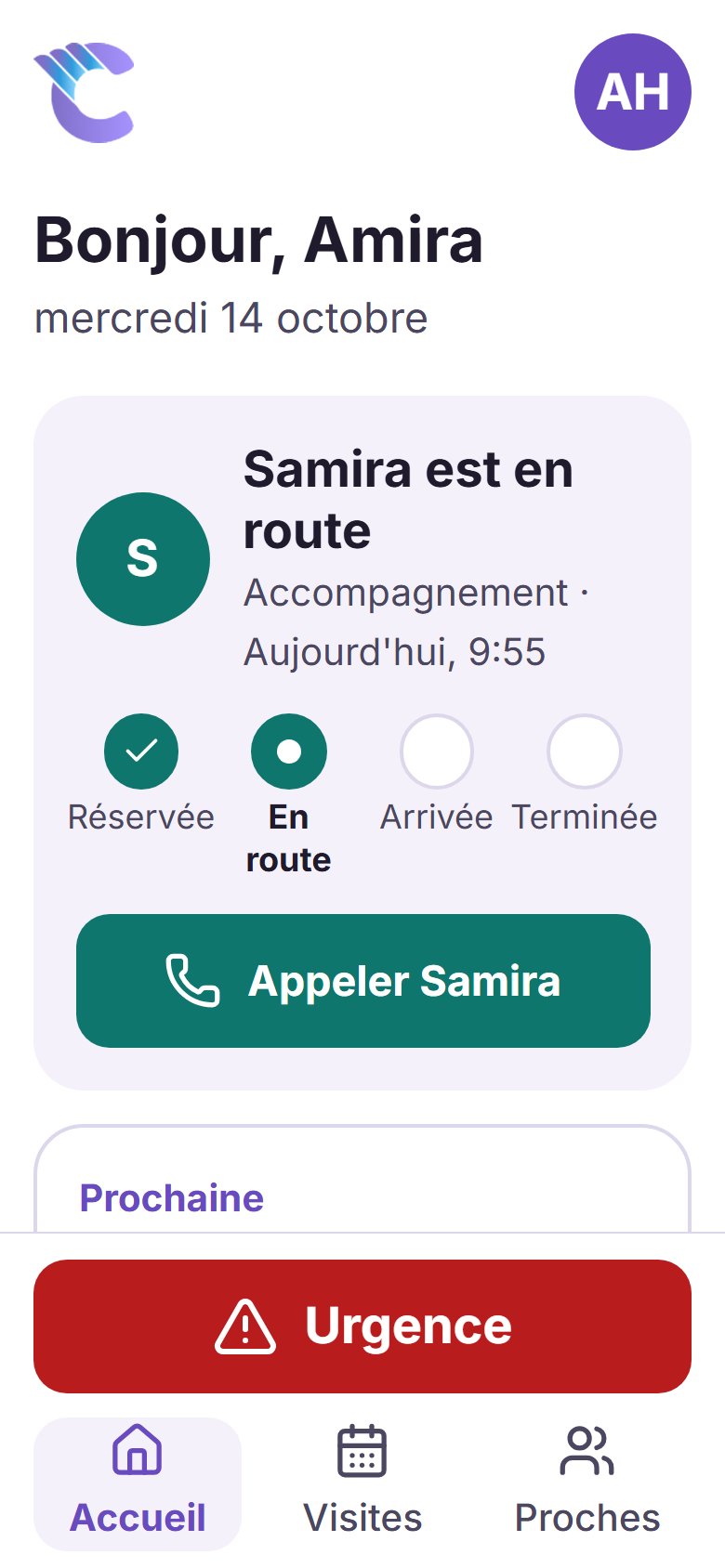
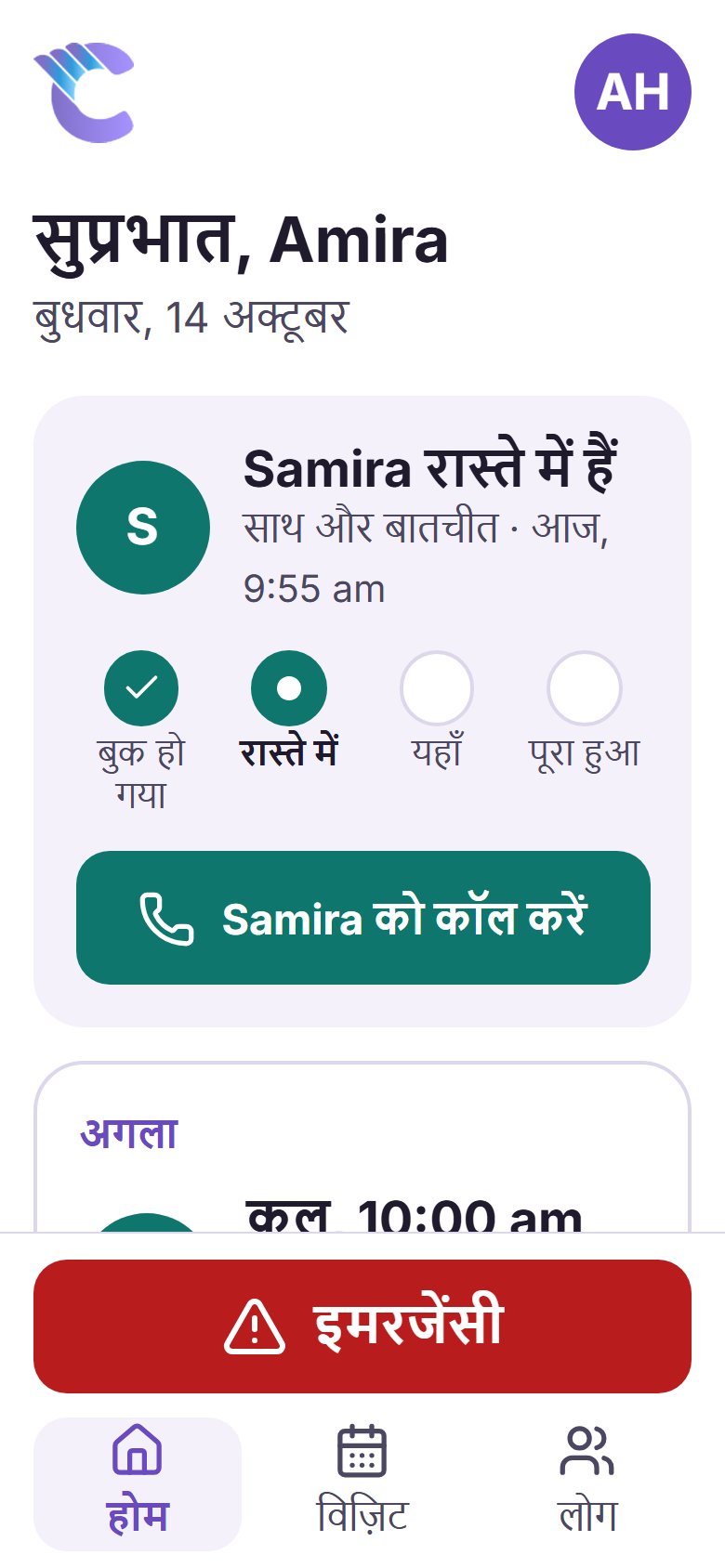
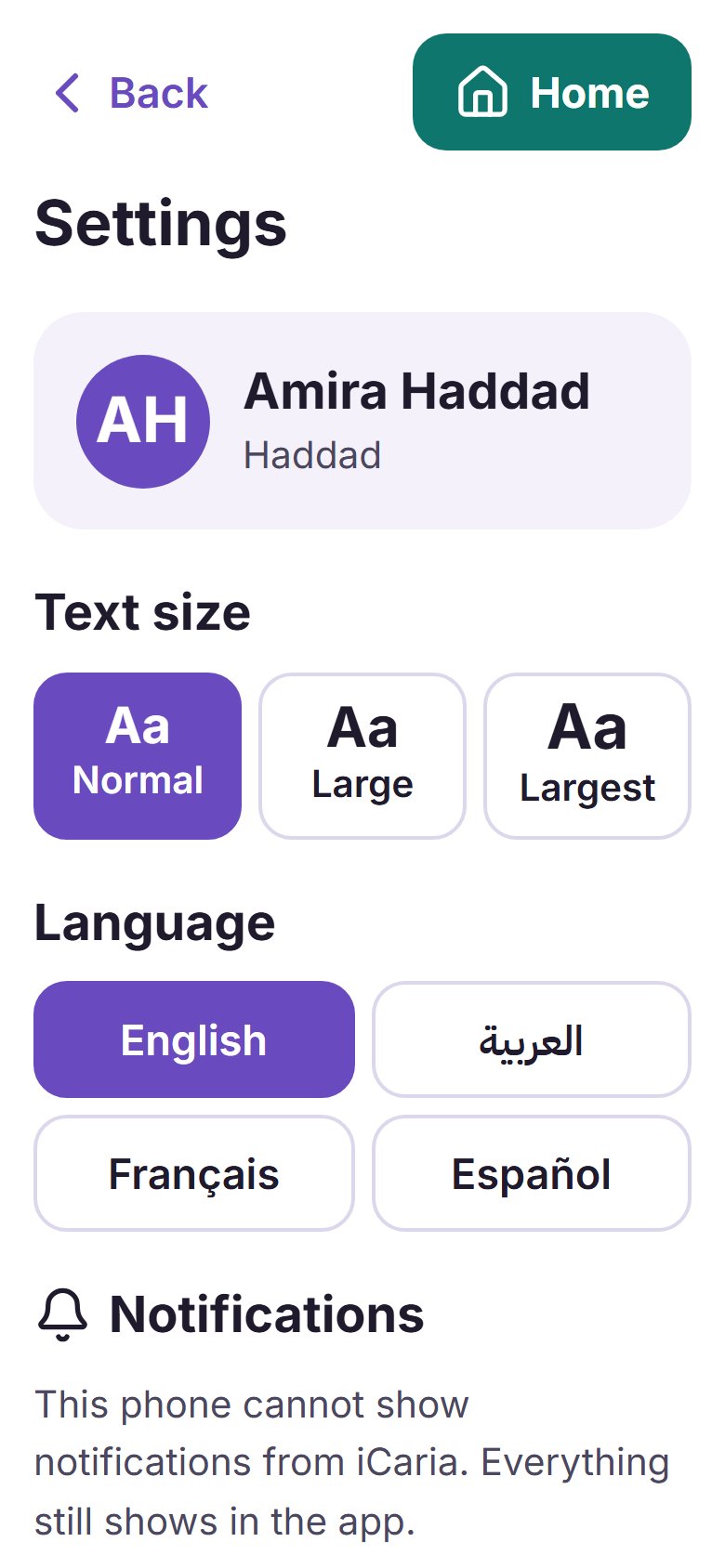
In their own language
Every word in the app, from the greeting to the Emergency screen, is in the language your parent chooses. Families come to iCaria from many communities, and the app is built for that.
The app speaks
They can change the language themselves at any time, with one tap in Settings. You can also set it from your family portal; once they choose one on their phone, the phone keeps theirs.
What it does
Their helper's first name, the time, and a live step: on the way, here, done. A Call button while someone is booked.
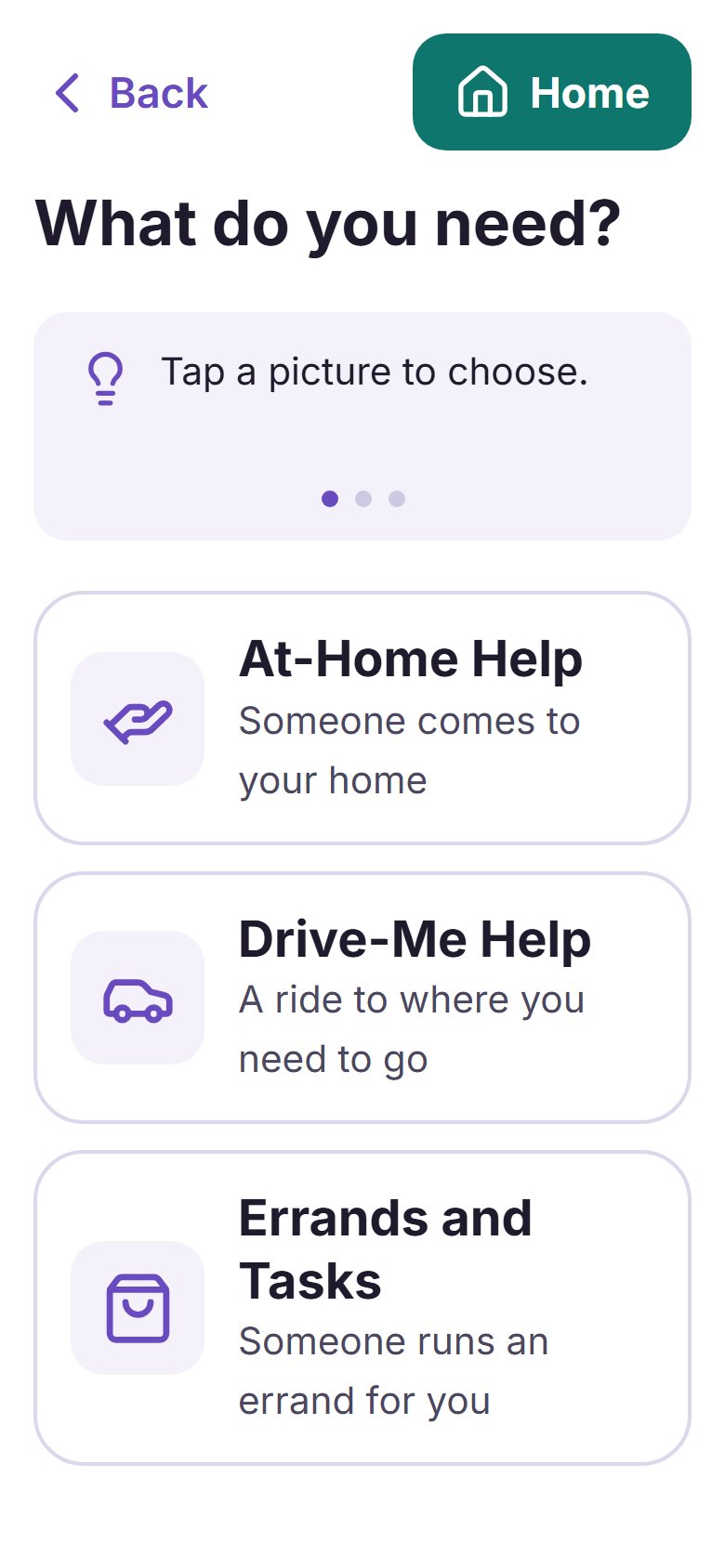
One question per screen: what kind of help, which day, morning, afternoon or evening, and a few words of their own. Nothing is sent until they tap Send request.
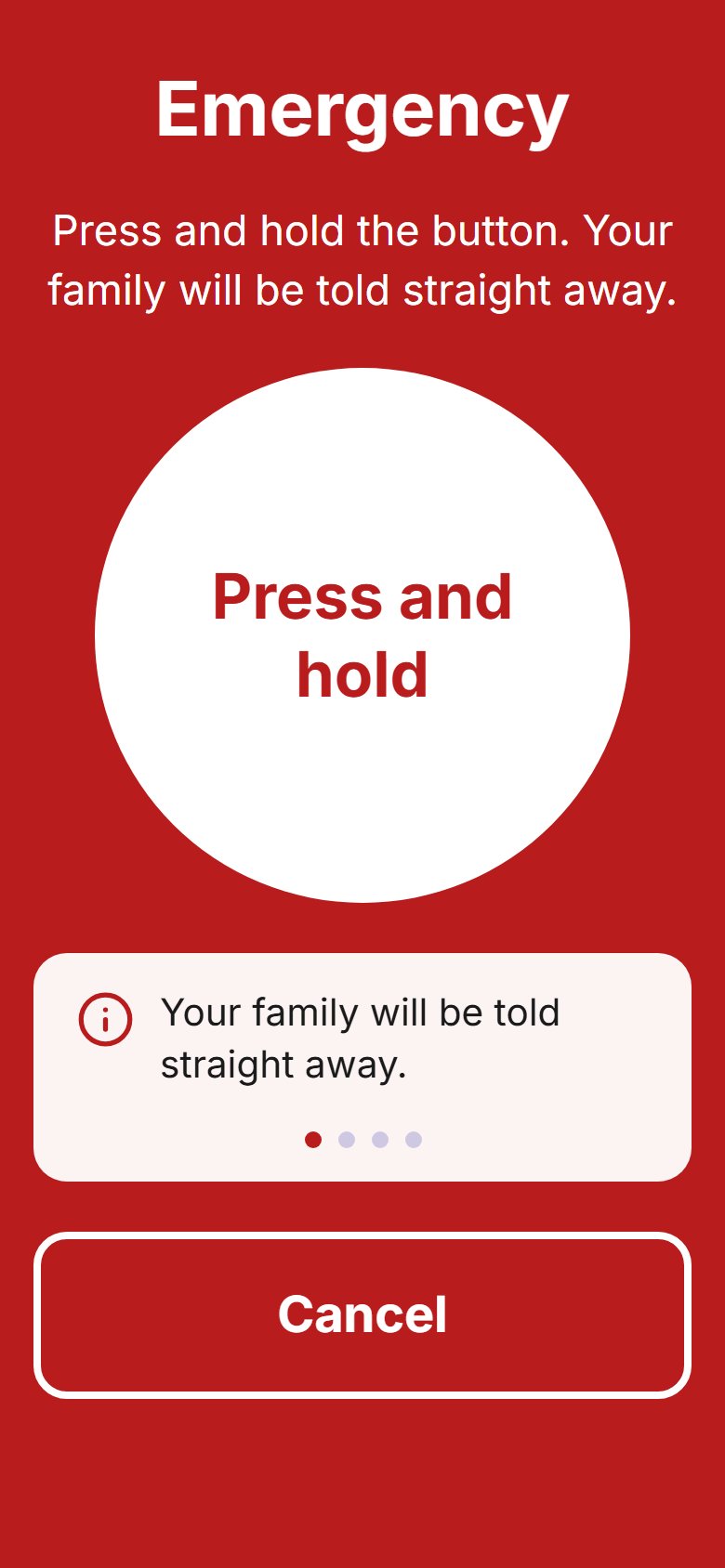
Press and hold for two seconds. The family is told straight away, and the screen shows the local emergency number with a button to call it.
Ready in a minute
A household admin opens your loved one's App settings in the family portal and makes a one-time code.
Open the app's address in the phone's browser and add it to the Home Screen.
Tap Connect. The app greets them by name, in their language.
You stay in charge
No. The app opens in the phone's web browser and can be added to the Home Screen, where it looks and opens like any other app. There is no app store involved.
A recent iPhone, iPad or Android phone or tablet. Notifications on an iPhone or iPad need iOS 16.4 or later, with the app opened from its Home Screen icon.
After a two-second hold, the household's family members and its Family Advocate are told straight away (after a short countdown, if your household set one) by email and, where they turned them on, by notification. iCaria does not call an ambulance: the screen shows the local emergency number with a button to call it. Without internet the number is still there, and the alert is sent once the phone is back online with the app open.
Yes. They choose the language in the app's Settings, and you can set it for them from your family portal (once they choose one on their phone, the phone keeps theirs). Every language the app speaks today is shown above, each in its own script.
No. By default every request from the app waits for your family's yes, and your household is emailed. Your household's main contact can switch that off for a loved one who books independently.
No. The app itself is part of iCaria. Help they ask for is booked and billed like any visit your family books.
No. It is optional, and nothing depends on it. Everything can still run through your family portal.