
Training › For care providers › Safety and mobility
SERVICE PROVIDER · LESSON 2 OF 2
The Safety Issue Procedure, Step by Step
The first sixty seconds are yours. After that, paramedics take over the care and you tell the family and iCaria. This lesson walks through both.
You walk into Karim's bedroom in Scarborough to help him with his morning. He is on the floor by the bed. He looks confused and his right arm is not moving the way it usually does. You have already made the recognition call from Lesson 1: this is an emergency. Now what?
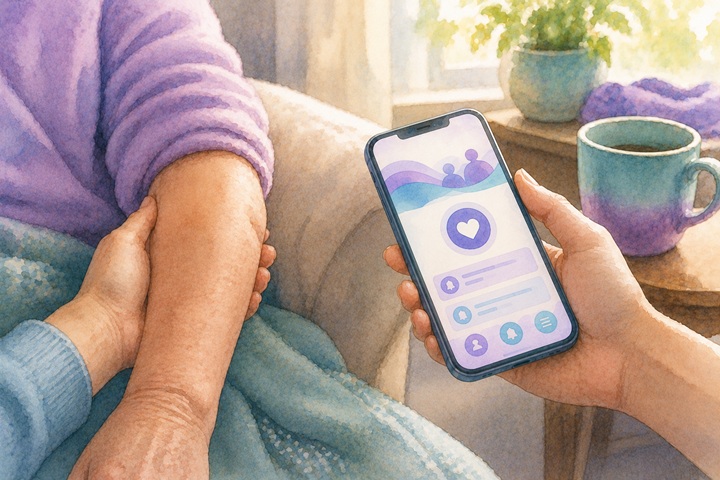
The first sixty seconds
- Stay with the older adult. Do not leave to find a phone. Use the phone in your hand.
- Call 911. Tell them what you see, where you are, and stay on the line. Give the apartment number and the building access code if there is one.
- Follow the dispatcher. Keep yourself and the older adult safe and do what the 911 operator tells you. There is no SOS button in the provider app. 911 is the emergency call.
- Do not move the older adult unless the home itself is the danger (fire, smoke, leaking gas, flooding water). A small position adjustment for breathing is fine. Anything more, wait for paramedics.
- Note the time. Glance at the clock. Paramedics will ask. "Around quarter to ten" is enough. Exact is better.
While you wait
- If the older adult is conscious, talk to them. Use their name. "Karim, the paramedics are on their way. I am right here. You are not alone." Calm voice, simple words.
- If they are not conscious, check that they are breathing. If they are not, and you are CPR trained, begin chest compressions and tell the 911 operator. If you are not trained, the operator will guide you.
- If you can safely unlock the front door so paramedics can come in, do it. Then return to the older adult.
- Do not feed, give water, or give any medication while waiting. Some emergencies make eating or drinking dangerous.
- If the family member who booked is in the home, ask them quietly to help by waiting at the door for paramedics or by getting a list of the older adult's medications.
- If the family is not in the home, open the visit and tap Safety Issue, then Contact Family. It opens the message thread with the family, so they hear it from you.
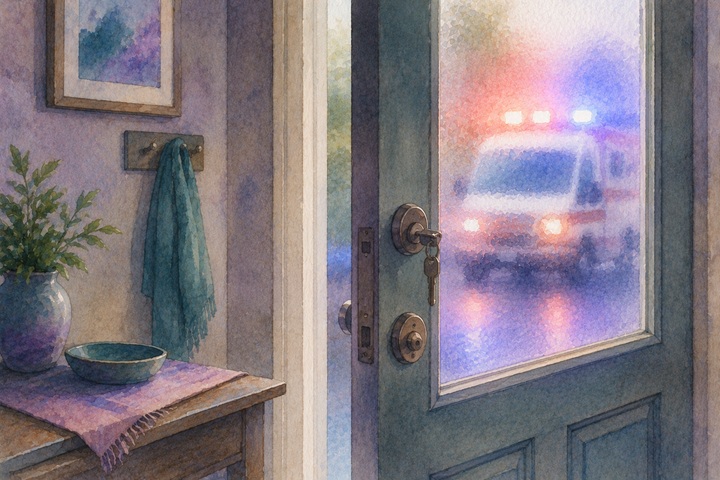
When paramedics arrive
- Tell them, in three sentences: what you saw, when it started, what you did.
- Hand them the older adult's medication list if you found one. Most homes keep it in the kitchen or by the bed.
- Tell them about any allergies you know of from the profile.
- Step back and let them work. They will tell you when they want more information.
- Do not leave the home until either a family member is present or the paramedics have departed with the older adult.
After it ends
Open the visit and tap Safety Issue. If the visit can go on, choose Log a safety concern: a short note of up to 500 characters, then Log note & continue visit. If it cannot (paramedics have taken the older adult, or it is not safe to stay), go back to the visit screen and tap Can't complete this visit: choose the reason, add a note for the family, and tap Stop visit and notify family. That stops the visit and tells the family.
Then, the same hour, email support@icariatogether.com with the full account. Details fade fast.
- Where you are and which visit this is.
- The time you arrived and the time you noticed something was wrong.
- What you saw. Exact words if the older adult said anything.
- What you did, step by step. The 911 call. The message to the family. The wait.
- Who you spoke to when paramedics arrived. What hospital they were headed to, if known.
- What the family member knew, when, and what you told them.
Email support the same hour. A logged safety concern goes by email and to their portal to the household's Family Advocate, or to the iCaria team when the household has no advocate. It is not an emergency alert, the family is never sent it, and there is no iCaria phone line for providers. Your email to support is how the team gets the full account. Your advocate then follows up and tells you what they need from you next. You do not have to figure it out alone.

Key takeaways for Lesson 2
- Stay with the older adult. Do not leave to find a phone. Use the phone in your hand.
- Call 911 first and follow the dispatcher. There is no SOS button in your provider app. Then use Safety Issue to contact the family.
- Do not move the older adult unless the home is the danger. Do not feed, give water, or give medication.
- Tell paramedics in three sentences: what you saw, when, what you did. Hand them the medication list.
- Log a safety concern through Safety Issue, or stop the visit with "Can't complete this visit" if you cannot safely continue, then email support@icariatogether.com the same hour. A logged note goes to the household's Family Advocate (or the iCaria team), never to the family, and is not an emergency alert.
Finding this again Open Training from your portal any time to come back to this module. A knowledge quiz follows, and you re-take it each year when you renew your certification.